Solutions
Costing & Menu Engineering
Recipe Management
Inventory Control
Purchasing Management
Production Planning
Multi-Location Integration
Clients
Restaurants
Industrial Kitchen
Small Businesses
Event Catering
Bakeries & cafes
Hotels & institutional dining
Plans
Production Module
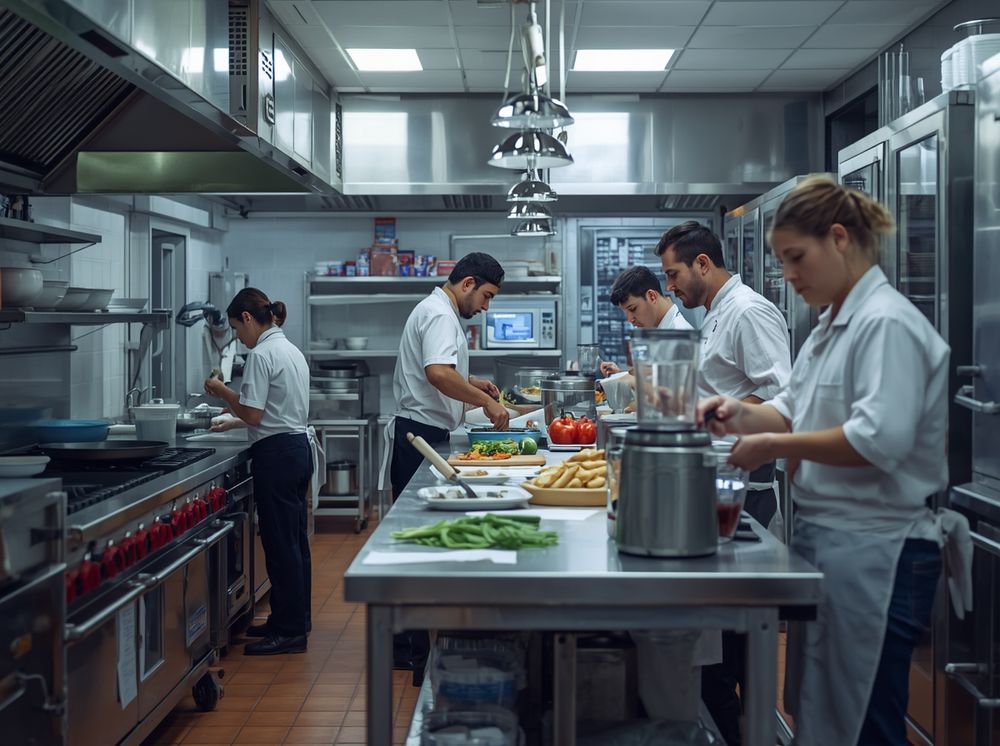
Your kitchen organized in real time.
Define your production plan, assign tasks by area and operator, and monitor progress from anywhere. Your team knows exactly what to do.
The problem
When organization is missing, kitchen production loses its rhythm.
Unclear instructions
Daily tasks are communicated verbally. They get forgotten, misunderstood, and the operation suffers.
No visibility into progress
You don't know what's been produced and what's left until you physically go to the kitchen. If you have more than one location, that's impossible.
Unbalanced production
Some operators are overloaded while others wait. Without a distributed plan, efficiency drops and timelines stretch.
Features
Plan, assign, and monitor your production
Every operator knows what to do, how much to produce, and how to do it.
Daily production plan
Define what gets produced each day with exact quantities. flamingOS can suggest the plan based on sales history.
Assignment by area and operator
Distribute tasks across workstations and team members. Everyone sees only what they're responsible for — clear and confusion-free.
Built-in detailed instructions
Every task includes the full recipe with ingredients, quantities, steps, and photos. Your team never has to guess.
Real-time monitoring
View the kanban board with pending, in-progress, and completed tasks. Track progress without being physically in the kitchen.
Pending
Guacamole (x8)
Pico de gallo (x6)
In progress
Salsa roja (x12)
Arroz rojo (x10)
Done
Frijoles refritos (x8)
Caldo de pollo (x4)
8
Tasks today
4
Active operators
62%
Plan progress
Kanban board
Pending → In progress → Done. Full visibility for you and your team.
Automatic inventory deduction
When a production is completed, flamingOS automatically deducts the consumed ingredients from inventory.
Stock validation
Before starting, the system checks whether there's enough raw material. It alerts you if anything is missing so you can resolve it in time.
Production history
Review what was produced, when, who did it, and how much was consumed. Data to optimize your operation day by day.
Productivity reports
Measure performance by operator, area, and shift. Identify bottlenecks and optimize workload distribution.
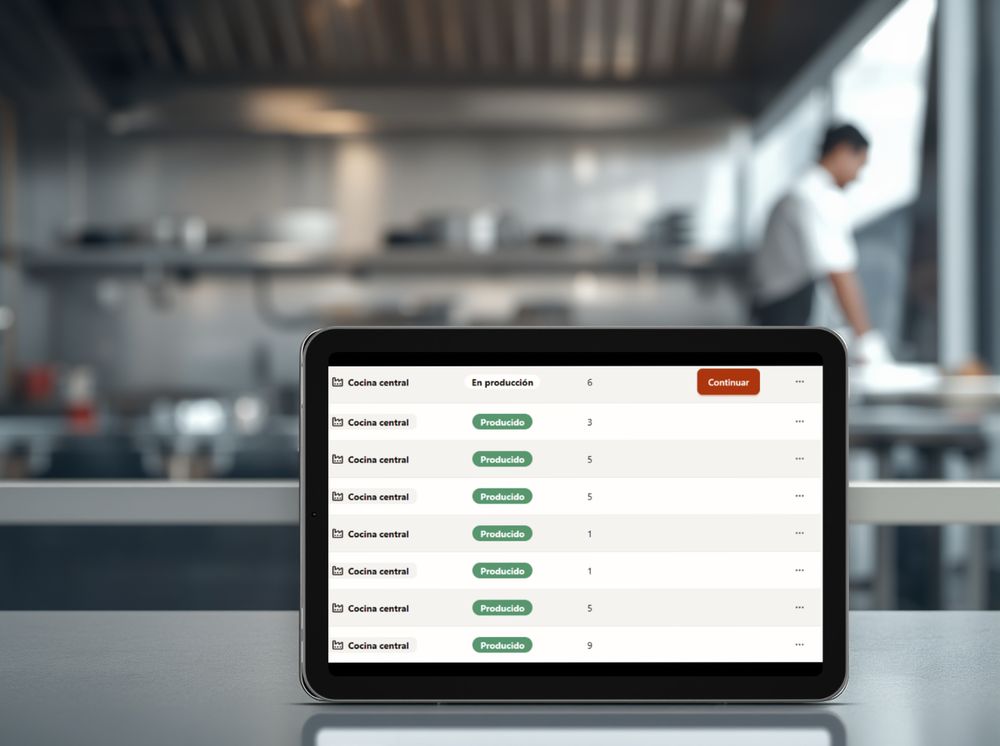
Production history
Review what was produced, when, who did it, and how much was consumed.
Station view
Every operator sees only their tasks
The cook opens flamingOS on their tablet or phone and sees exactly what they need to produce, with full instructions for each recipe. No distractions, no confusion.
Simplified interface designed for kitchen use with busy hands
One tap to mark each task as complete
Integrated recipe with ingredients, steps, and photos on every task
Station: Sauces & Bases
Juan Pérez · Cook B
Live
✓
Chicken broth · 8L
Completed 7:45 AM · Inventory updated
45 min
▶
Red salsa · 7.2 kg
Started 8:30 AM · 12 portions
25 min
○
Green salsa · 5.4 kg
Pending · 9 portions
20 min
Plans & pricing
Start free.
Scale when you're ready.
Switch plans whenever you need to.
Results
The impact of organized production
More efficiency, less waste, better coordination.
35%
more kitchen efficiency
50%
less overproduction
100%
visibility without being in the kitchen
2x
faster to onboard new cooks
Frequently asked questions
Everything about production planning
How does flamingOS create the daily production plan?
Set the quantities to produce for each day or shift. Each task is assigned to an operator or station, with the full recipe — ingredients, weights, and steps — embedded.
Does flamingOS deduct inventory when production happens?
When a task is marked complete, flamingOS deducts the ingredients consumed per recipe and produced quantity. Inventory updates in real time, no manual adjustments.
What happens if there isn't enough raw material for a task?
Every task shows the required ingredients alongside current stock. If something is below minimum, you see it before starting — resolve the purchase or adjust the plan in time.
Can I see productivity reports by operator?
Each task is logged with who completed it, when, and how much was produced. Review the history by operator, station, or shift to improve work distribution.
Organize your production today
Get started today and take control of what's produced in your kitchen without having to be there.